CKLau CKLau 2 Port Triple Monitor KVM Switch HDMI with Audio Output, All Input Cables, 2 USB 3.0 Hub for 2 Computers Sharing 3 Monitors Supports Emulation EDID, Hotkey Switching
CKLau

CKLau 2 Port Triple Monitor KVM Switch HDMI with Audio Output, All Input Cables, 2 USB 3.0 Hub for 2 Computers Sharing 3 Monitors Supports Emulation EDID, Hotkey Switching

$ 231.30
Pseudo Checkbox Icon
Order within 0 hours and 0 minutes to get between -
Buying Bulk?
Delivery Truck IconTracked Shipping on All Orders Secure Payments
Headphones Icon 24/7 Customer SupportReturn Product Arrow Icon14-Day Returns
Description
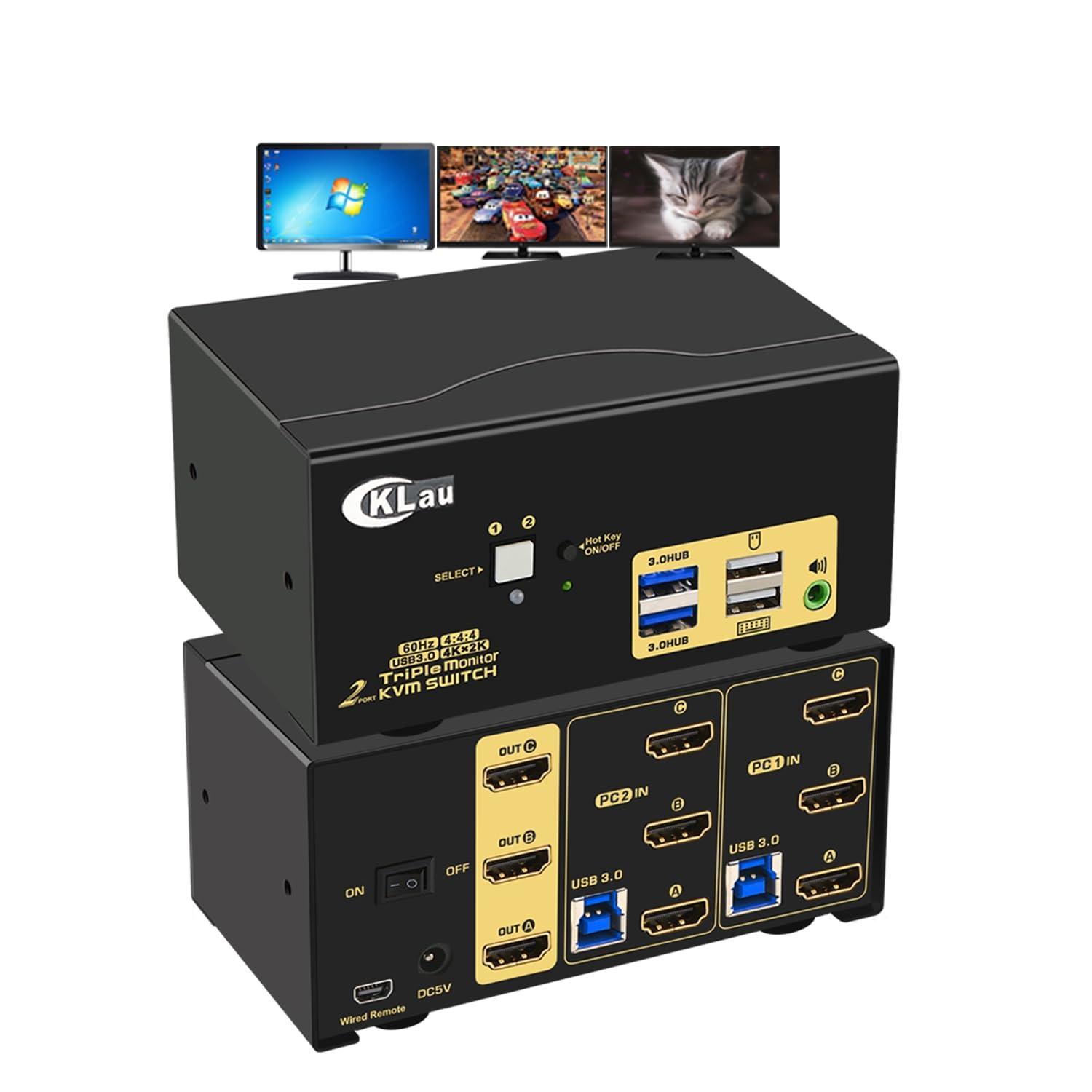
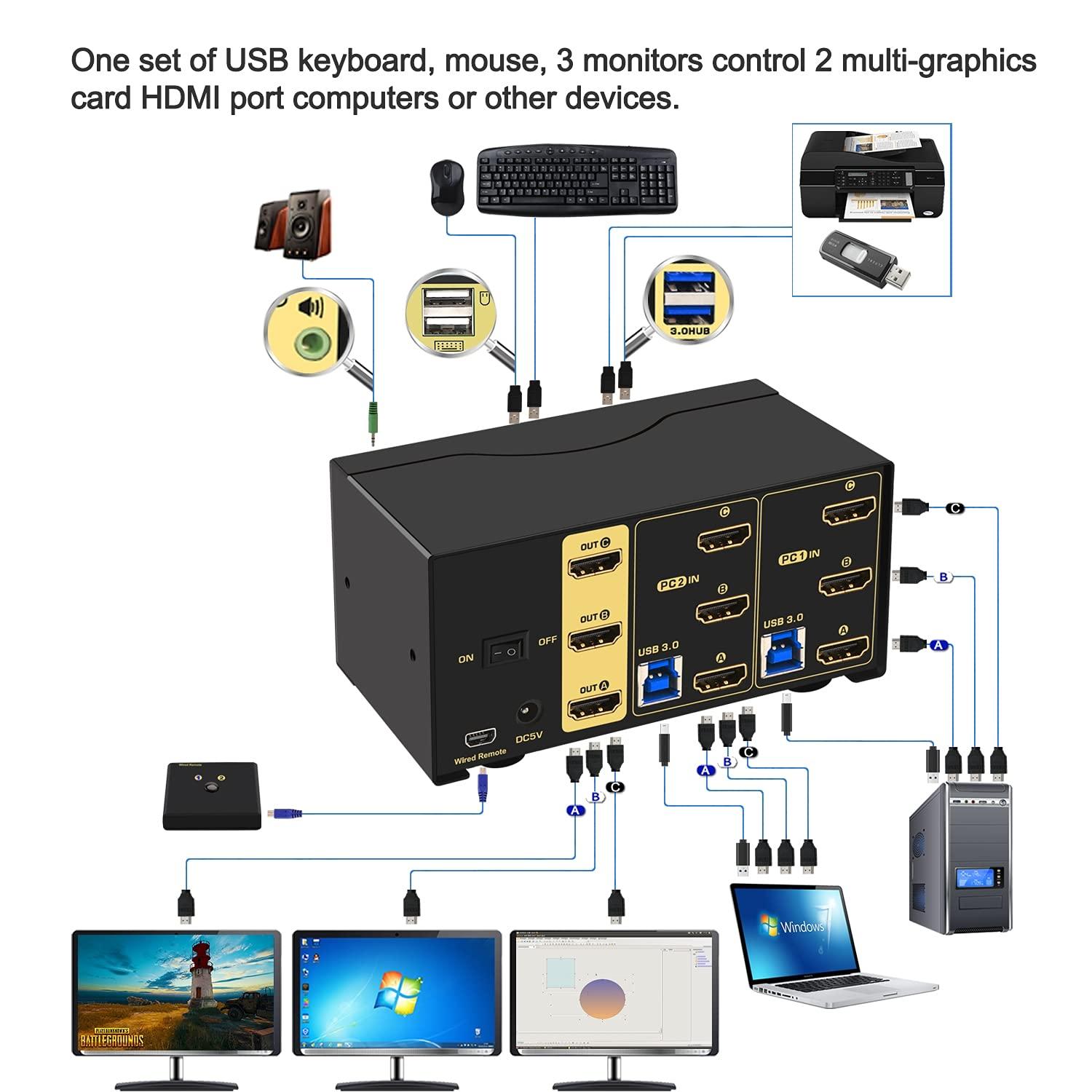
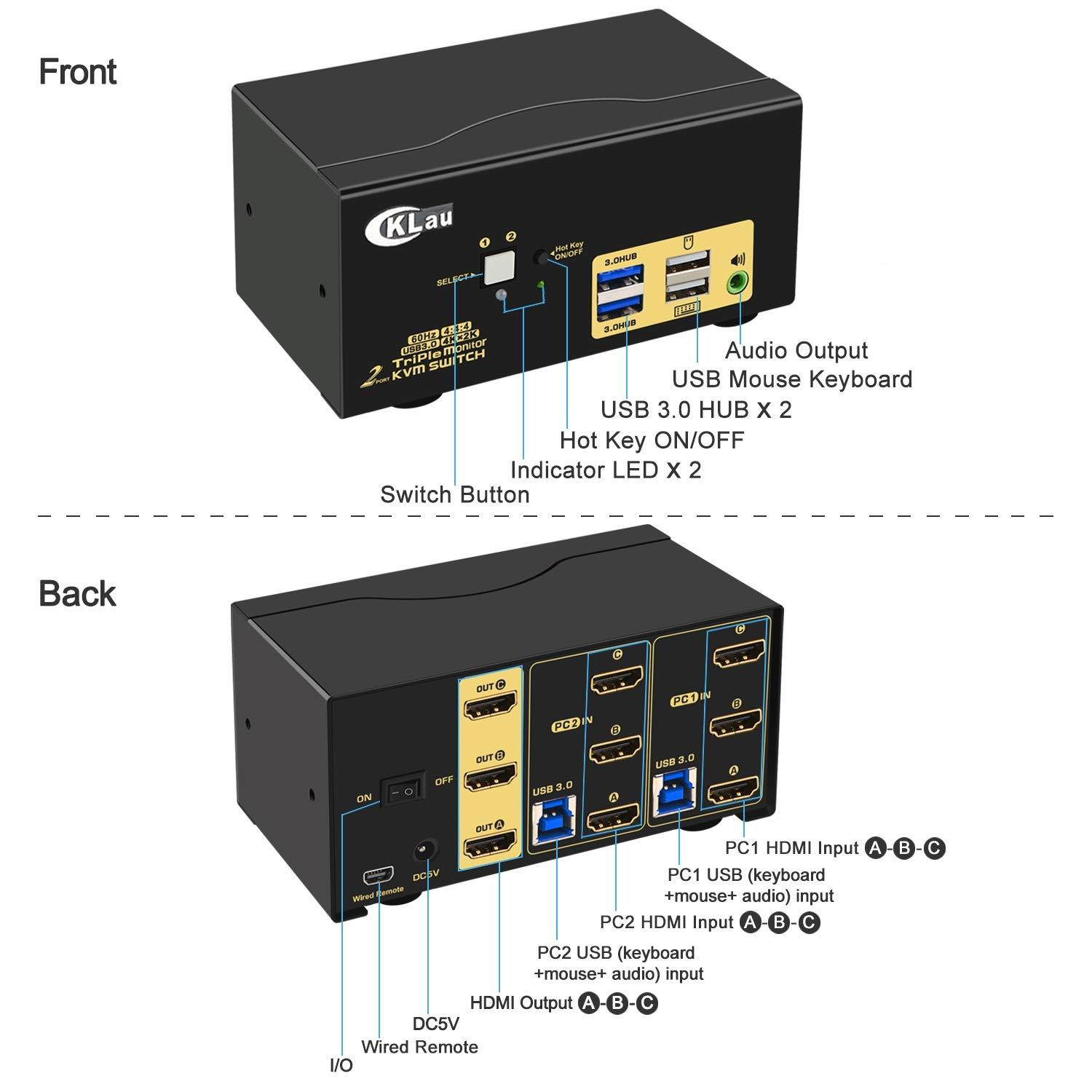
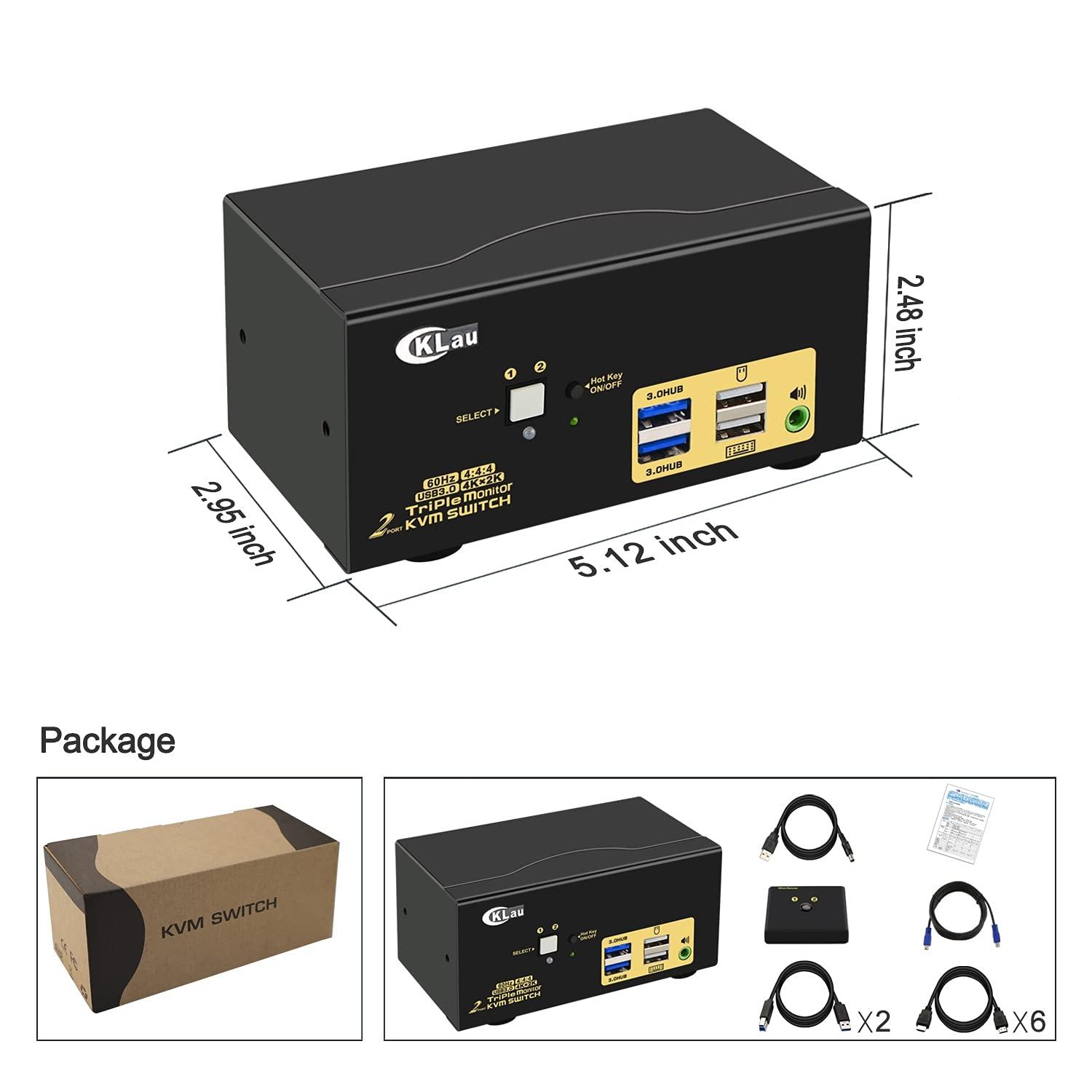
  • 1. KVM Switch Triple Monitor: 2 HDMI in, 3 HDMI output. It allows 2 computers/laptops sharing one set USB of keyboard & mouse, 3 monitors, headset, and 2 pcs USB 3.0 peripheral devices. With digital audio output and all input cables. Support HDMI 2.0, HDCP 2.2, emulation EDID, HDR 10. (Tips: This KVM switch requires each of your PCs with 3 or more video outputs.)
  • 2. KVM Switch 3 Monitors HDMI: We have been certified HDMI adopters for over 10 years. Excellent image processing and transmission capacity, make the output signal more smoothly and steady. Resolution compatible 4096x2160@60Hz, 3840x2160@60Hz, 3840x1620@60Hz, 3440x1440@60Hz, 3840x1080@60/120Hz, 3200x1800@60Hz, 2560x1440@60/144/165Hz, 2048x1536@60Hz, 2048x1280@60Hz, 2048x1080@60Hz, 1920x1200@60Hz, 1920x1080@60Hz, etc.
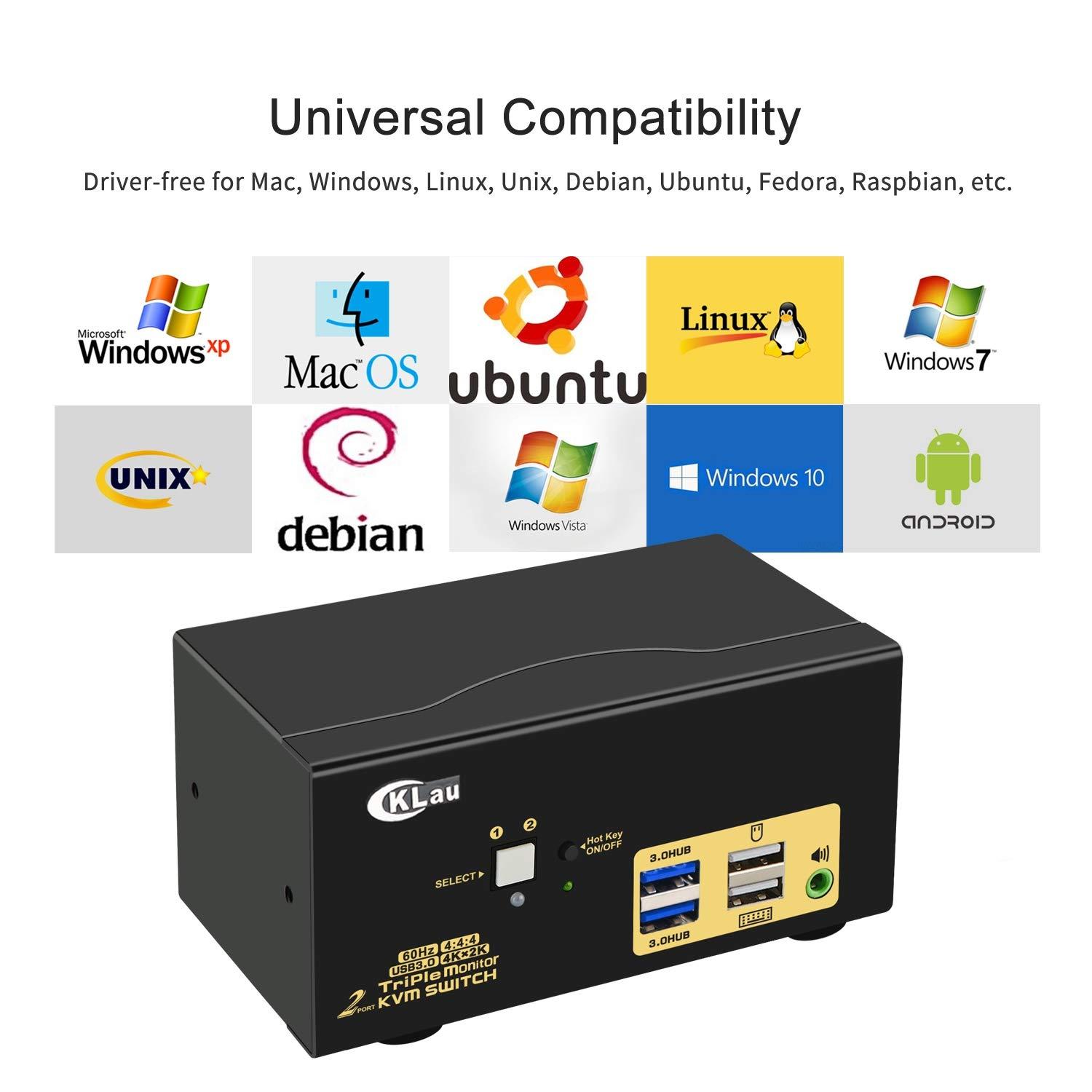
  • 3. KVM Switch HDMI Triple Monitor: Support wireless / wired / mechanical / gaming / programmable / Unify / Apple keyboard & mouse. Supports touch screen, OLED screen, widescreen, ultra-wide screen, etc. Drive-free for Windows 10/7/2000/XP/Vista, Linux, Mac, Debian, Ubuntu, Fedora, Raspbian, Ubuntu, etc.
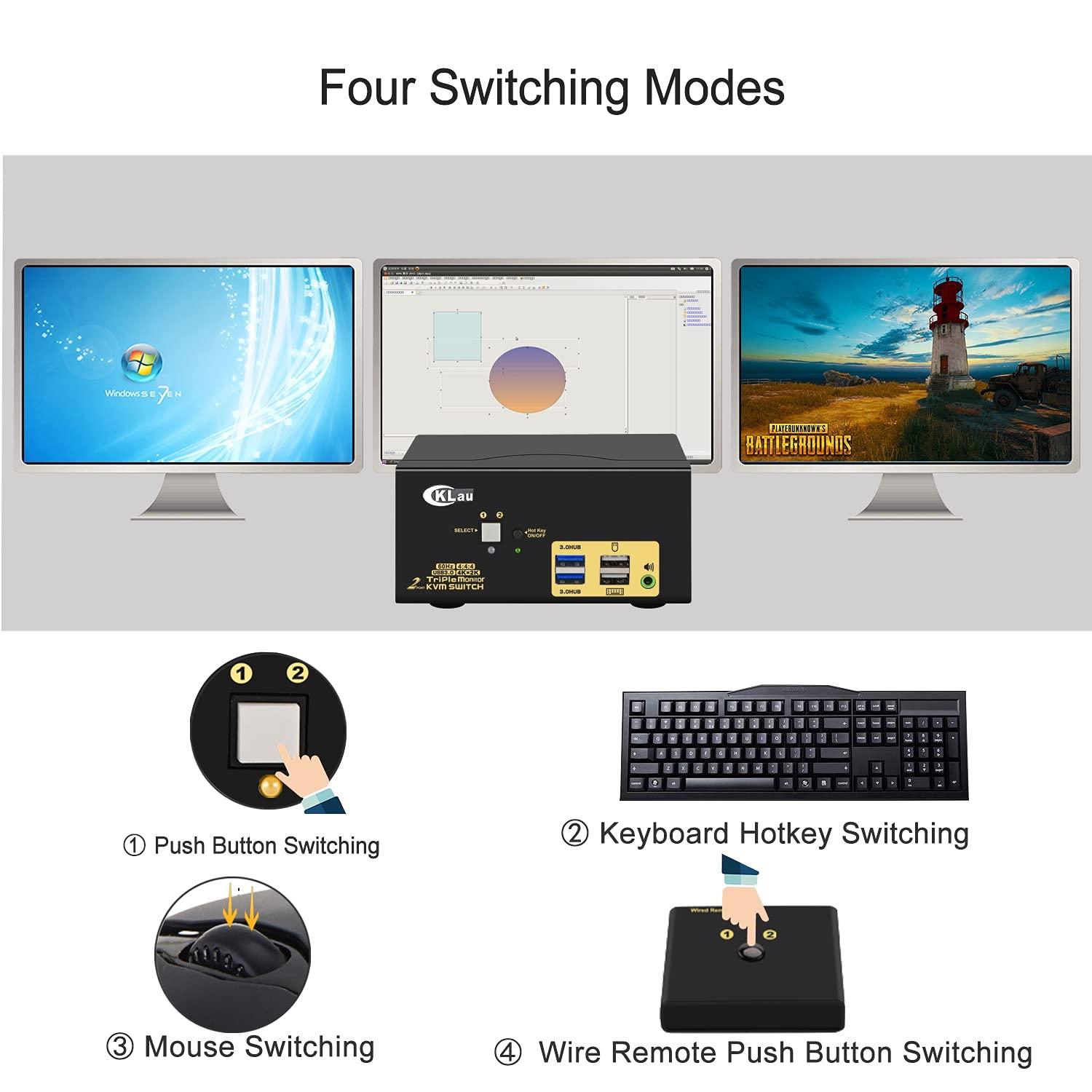
  • 4. 2 Computers 3 Monitors Switch: Four switching ways optional: Hotkey switching(Num Lock + Num Lock + 1 / 2 + Enter, or Ctrl + Ctrl + 1 / 2 + Enter or Scroll Lock+ Scroll Lock+1 / 2 + Enter), mouse switching (click mouse wheel 2 times), manual button switching, and wired remote push-button switching.
  • 5. KVM Switch 3 Monitors 2 Computers: With auto detection, auto scan, waking up, with memory function in case of power-down. It can be switched by mouse or keyboard independently, even without USB signal input, such as Apple TV, Android TV box, etc. And it can enter into the BIOS interface directly.